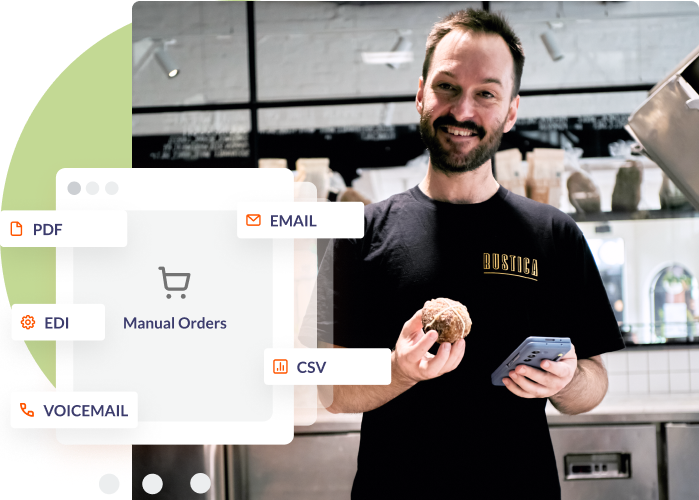
Digitise your off-platform ordering auto-magically

80% less manual data entry

24/7 order processing

Up to 90% less errors
AI THAT WORKS WITH YOU How Omni works
Send your orders
Forward purchase orders to your dedicated Omni email, or redirect your existing inbox. There’s no need to change your email address. Customers can also send orders via SMS to your Omni number..Omni reads and matches
Omni’s AI technology accurately extracts order details, matching products and quantities from your source documents.

Review, adjust, approve
Preview the order, make any edits (substitutions, corrections), and approve. Full control, minimal effort.On and off-platform orders centralised for you
Reduce order errors by up to 90%

Empower your people with 80% less manual entry

All your orders in one place

Whether your customers are on Ordermentum or not, all your orders will be in one place - meaning a single source of truth.
This means easy visibility for ops and finance teams, along with deeper insights, valuable analytics and integrated workflows.
Total control and accuracy
Smart SKU code mapping

Scale without adding headcount

see our suppliers speak Simpler operations, happier staff
“Manage communications with your customers in a way that works for you.”
Eoin Pehm, Wholesale Sales Manager, Rustica Sourdough
"All we do is check the order, make sure everything's correct and hit submit.”
Anna Reekers, Customer Ops Manager, Seven Miles Coffee Roasters
“Allowed our customer service team to shift away from tedious admin and instead focus on adding value for customers.”
Heidi Dyt, Co-Founder, Foxes Den
Omni FAQs
-
What types of orders can Omni process?
Omni processes PDF purchase orders, CSV files, and SMS/text message orders. Email body orders are also supported. We're continuously expanding Omni's capabilities: voice orders are coming soon.
-
How accurate is Omni?
Omni is trained to extract order details with high precision. However, you always have the final review to ensure accuracy before processing.
-
Do I lose control of my orders?
Not at all. Omni provides a review workflow where you can preview, edit, and approve orders before they're finalised in your system.
-
Do I have to change my email address?
No. You can set up a forwarding rule in your existing inbox so orders sent to your current email address automatically route into Omni. Your customers won't notice any change.
-
Will my customers receive order confirmations?Yes. Once you create an order in Ordermentum via Omni, your customer automatically receives an order confirmation - no manual follow-up required.
Other ways to manage orders
More orders, faster:
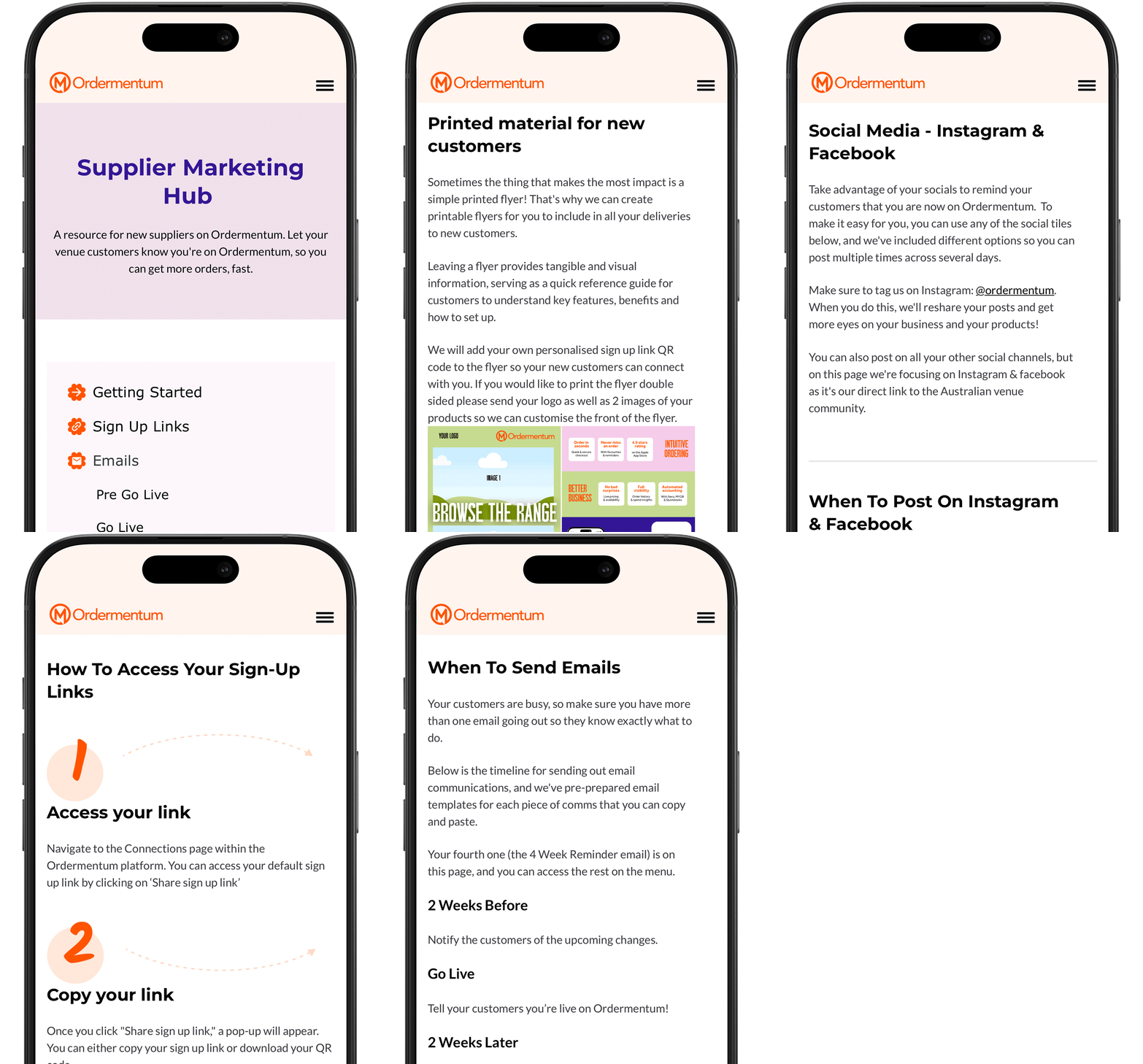
Supplier Marketing Hub
Unlock the full potential of Ordermentum with our Supplier Marketing Hub, designed to supercharge your ordering process.
These resources are designed to help you launch and promote Ordermentum across your different channels.
Discover the power of sign up links that seamlessly onboard your customers, email templates for communication to your current customers, and social media posts to help spread the word to your audience.